
How to Create an Online Game: From Idea to Launch
Creating an online game can seem overwhelming at first. A successful game combines a strong concept, engaging gameplay, visual design, technology, sound, online infrastructure, testing, and marketing.
The good news is that you do not need to build everything at once. Most successful projects begin with a simple idea and gradually turn it into a playable experience through planning, prototyping, testing, and iteration.
Whether you want to create a small multiplayer game with friends or build a larger commercial project, the development process generally follows the same core stages.
1. Start With a Game Idea
Every game begins with an idea. Before choosing an engine or writing code, define what you actually want to create.
Ask yourself:
- What type of game is it?
- Who is going to play it?
- What makes it interesting?
- What will players do repeatedly?
- Will it be single-player or multiplayer?
- Which platform will support it?
- What makes your game different from similar titles?
Technology connects all three. Tracking platforms record clicks, conversions, and other relevant actions, allowing brands to attribute results and calculate commissions.
For example, you might start with a simple concept: A cooperative online survival game where four players work together to escape an abandoned research facility. You don't need hundreds of pages of documentation at this stage. A clear concept is enough to begin exploring the idea.
2. Define the Core Gameplay
The next step is deciding what players actually do. This is often called the core gameplay loop. A gameplay loop might look like: Explore → Collect → Build → Fight → Upgrade → Explore again The loop should give players a reason to continue playing. For an online game, you also need to think about how players interact with each other.
Will they:
- Cooperate?
- Compete?
- Trade?
- Communicate?
- Build together?
- Fight against each other?
- Complete objectives as a team?
The multiplayer experience should be considered early because online functionality can influence the game's architecture and design.
3. Choose a Game Engine
A game engine provides many of the technologies needed to build a game, including rendering, physics, animation, input, audio, and development tools.
Popular options include:
Unity Unity is widely used for 2D and 3D games and supports multiple platforms. It uses C# for scripting.
Unreal Engine Unreal Engine is particularly popular for high-quality 3D games. Developers can use C++ as well as visual scripting through Blueprints.
Godot Godot is an open-source engine suitable for both 2D and 3D projects. Its scripting language, GDScript, is designed to be relatively accessible for game development. The right engine depends on your game's requirements, your team's experience, target platforms, and technical needs.
4. Build a Prototype
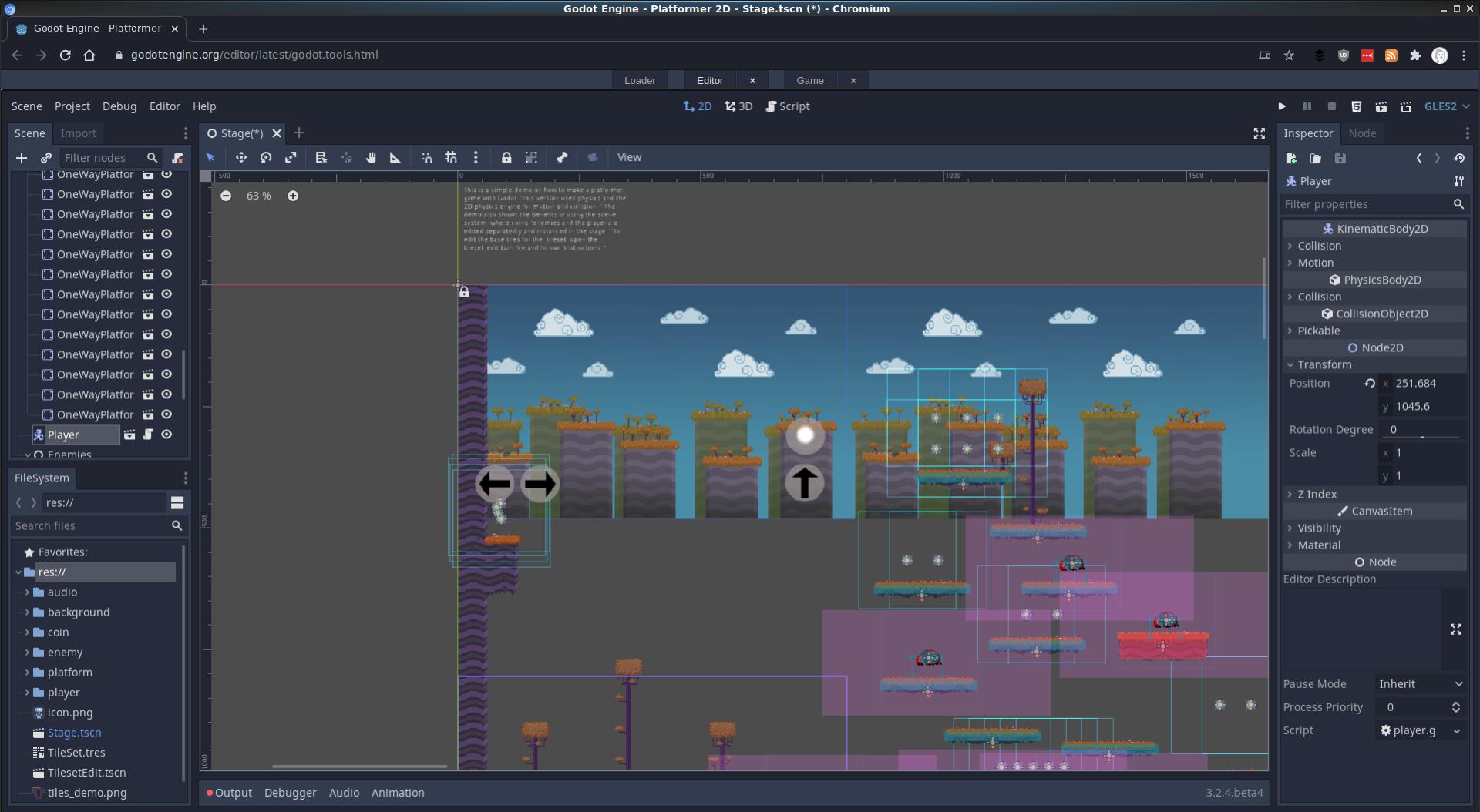
Don't start by creating the entire game. Build a prototype first. A prototype is a simplified version of your idea that answers one important question: Is the game actually fun to play? At this stage, graphics don't need to be impressive. You can use basic shapes, placeholder characters, simple environments, and temporary sounds. For example, if you're creating a multiplayer racing game, your first prototype might only contain: One track Two vehicles Basic movement A starting point A finish line Multiplayer connection If the basic version is enjoyable, you can start expanding it.
5. Design the Online Architecture
Online games require additional technical infrastructure compared with offline games. You need to determine how players connect and how information is synchronized. A simplified online architecture can look like: Player → Game Client → Server → Other Players The server can be responsible for important game-state information such as: Player positions Health Inventory Scores Match status Game rules Player interactions For competitive games, server- authoritative architecture is commonly used to reduce opportunities for clients to manipulate important game-state information.
6. Build Multiplayer Features
Once the basic prototype works, you can begin implementing online functionality. Typical multiplayer features include: Player accounts Authentication Matchmaking Lobbies Friends or party systems Real-time synchronization Voice or text communication Player statistics Leaderboards Game sessions Server management Not every game needs all of these. A small cooperative game might only need private lobbies and basic matchmaking,while a large competitive game may require significantly more infrastructure.
7. Create the Game World
This includes:
Characters Models, animations, clothing, weapons, abilities, and customization.
Environments Maps, buildings, landscapes, objects, lighting, and visual effects.
UI Menus, health bars, inventories, maps, settings, matchmaking screens, and other interface elements.
Audio Music, sound effects, environmental sounds, character sounds, and interface feedback. Good game design is not only about visual quality. Audio, controls, interface design, pacing, and feedback all contribute to how the game feels.
8. Add Progression and Rewards
Online games often need systems that give players reasons to return. Depending on the game, this could include: Experience levels Unlockable characters New abilities Equipment Cosmetics Achievements Rankings Seasonal content Challenges Quests The progression system should support the gameplay rather than becoming the only reason players continue playing.
9. Test Everything
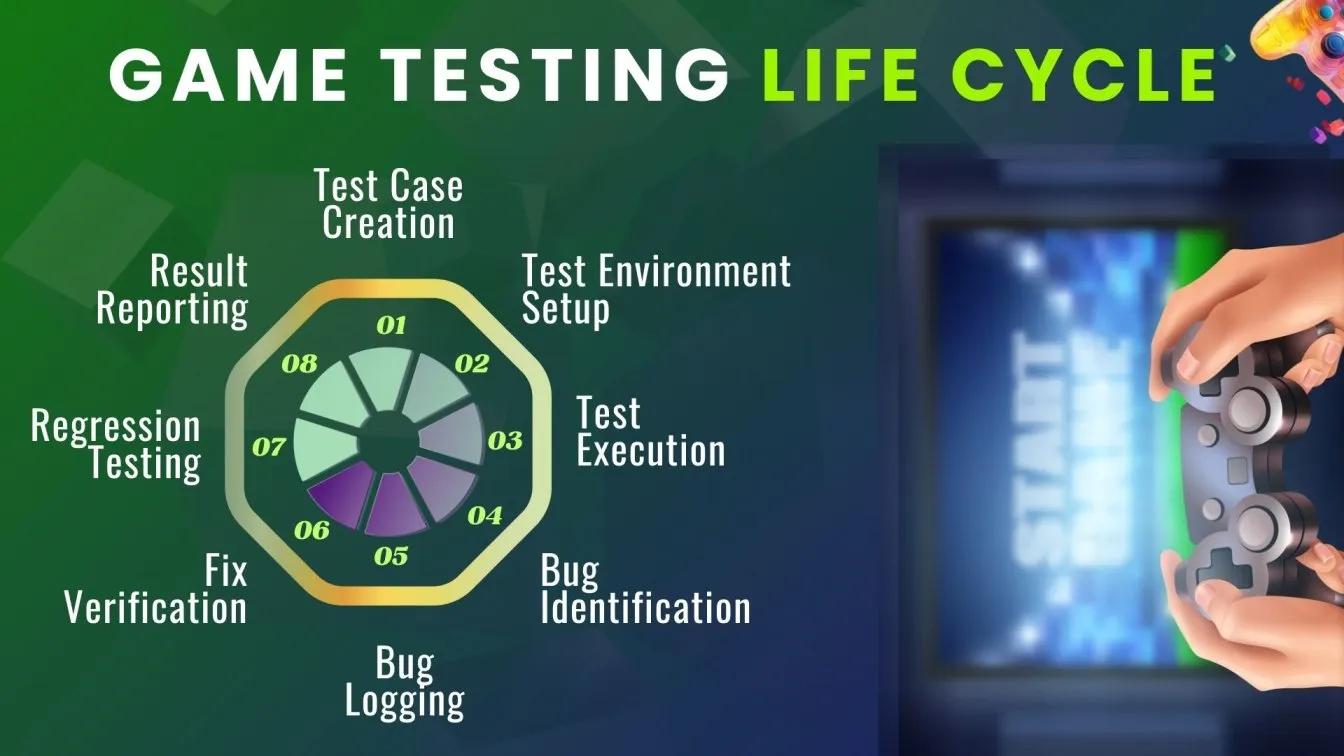
Testing is one of the most important parts of game development. A game can work perfectly when played by one developer and fail when hundreds of players connect simultaneously. br*2 Gameplay bugs Multiplayer synchronization Server stability Connection problems Performance Different hardware Different screen resolutions User interface Save systems Account systems br Security Network latency You should also test with people who were not involved in development. Fresh players can discover problems that the development team has become accustomed to overlooking.
10. Optimize the Game
Performance becomes increasingly important as the project grows. Developers may need to optimize: Graphics Textures 3D models Animations Network traffic Server performance Memory usage Loading times CPU and GPU usage Optimization is particularly important for online games because poor performance can affect not only one player but the overall multiplayer experience.
11. Decide How You Will Monetize the Game
Before launch, decide how the game will generate revenue. Common models include: Premium Players purchase the game once Free-to-play Players can access the game without paying upfront, while revenue comes from optional purchases or other monetization methods.
Subscription
Players pay regularly for access to the game or additional services.
Expansions
Additional content is sold separately.
Cosmetics
Players can purchase visual customization items that don't necessarily affect gameplay.
The appropriate model depends heavily on the game's genre, audience, development costs, and long-term content strategy.
12. Prepare for Launch
Launching an online game involves much more than uploading the final build. You may need: Store pages Screenshots Trailers Gameplay videos Press materials Social media accounts Community channels Website Discord server Influencer outreach Launch campaign Customer support Server infrastructure You should also make sure your store descriptions clearly communicate what makes the game worth playing.
13. Build a Community Before Launch
For online games, community building can begin long before release. Players can follow development through: Discord YouTube TikTok Instagram X Reddit Development blogs Steam announcements Developers can share: Development updates Behind-the-scenes content Character reveals Gameplay clips Concept art Community polls Developer diaries Beta announcements An active community can provide feedback while also helping create awareness before launch.
14. Launch, Measure, and Improve
The launch isn't the end of development. For an online game, it is often the beginning of the next phase. After launch, developers can monitor metrics such as: Number of active players New registrations Session length Retention Match completion Player progression Purchases Server performance Crash rates Community feedback This information can reveal where players are enjoying the experience and where improvements are needed. Regular updates can then introduce: New maps Characters Modes Events Challenges Cosmetics Balance changes Quality-of-life improvements
How Long Does It Take to Create an Online Game?
There is no single development timeline.
A small multiplayer game made by a few people might take months, while a large commercial online game can require several years and a large development team. The biggest factors include: Game complexity Number of platforms Multiplayer architecture Amount of content Graphics quality Team size Budget Testing requirements Live-service plans
A useful approach is to start with the smallest playable version of your idea rather than trying to create the complete vision immediately.
A Simple Online Game Development Roadmap
The overall process can be summarized as:
- IDEA ↓
- GAME DESIGN ↓
- PROTOTYPE ↓
- GAME ENGINE ↓
- MULTIPLAYER ARCHITECTURE ↓
- CONTENT & ART ↓
- TESTING ↓
- OPTIMIZATION ↓
- COMMUNITY BUILDING ↓
- LAUNCH ↓
- UPDATES & LIVE OPERATIONS
Each stage builds on the previous one.
Final Thoughts Creating an online game is a combination of creative design, programming, art, networking, testing, business planning, and community building. The most important first step isn't creating hundreds of assets or writing thousands of lines of code. It is defining a clear idea and proving that the core gameplay is enjoyable. From there, the project can gradually grow—from a small prototype into a multiplayer experience, and eventually into a complete online game supported by a community and continuous updates. Whether you're an independent developer working on your first multiplayer project or a larger team planning a commercial release, the same principle applies: Start small, test early, listen to players, and build from there.